Bring a specific question
Does the interface fit the adjacent plant? Is the maintenance area accessible? Choose the relevant CAD data and the people who can contribute.
CAD project collaboration
Resolve open questions together: WeAre brings project leads, customers, engineers and partners together in the same 3D CAD model. Discuss requirements, interfaces and spatial relationships in mechanical and plant engineering – on desktop and optionally in VR.
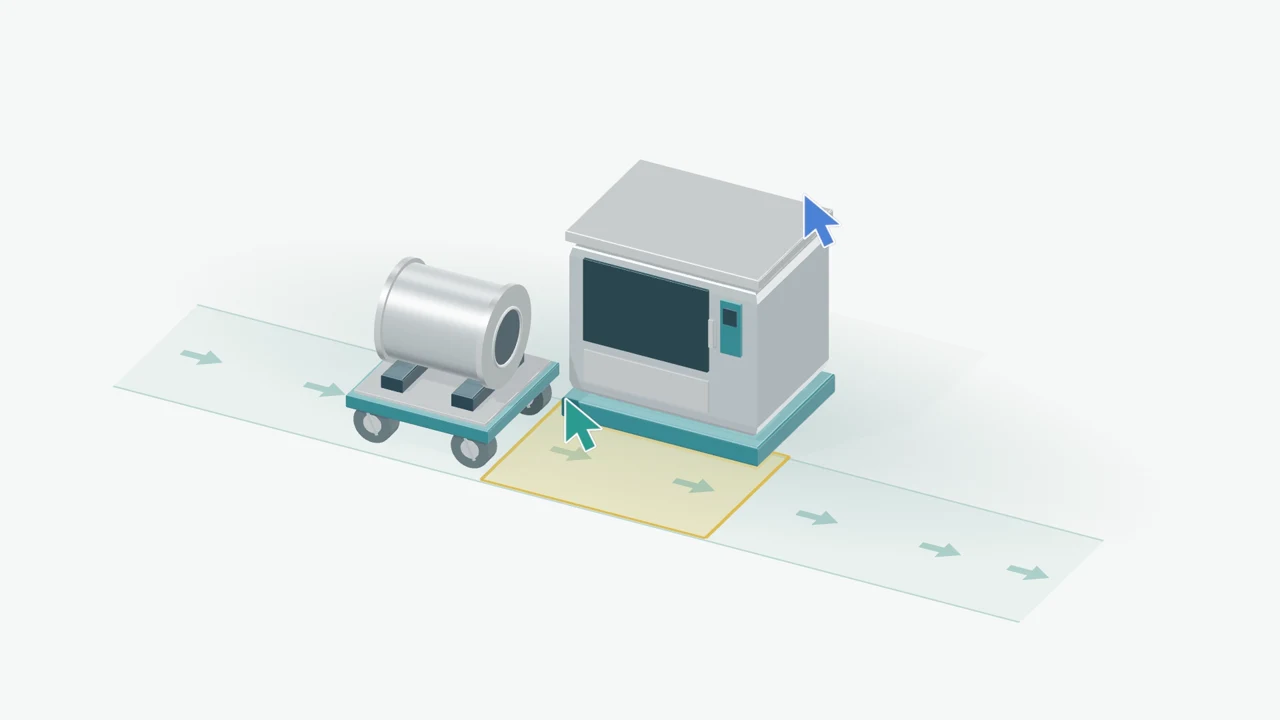
Does the interface fit the adjacent plant? Is the maintenance area accessible? Choose the relevant CAD data and the people who can contribute.
View and discuss the model together. Departments, customers and partners refer to the same spatial context.
Clarify which questions were answered and what needs further work. Take the results forward in your existing project and engineering processes.
For your first session: A suitable CAD model, a specific question and the right participants. We personally review the file format, model scope, hardware and access with you.
The conversion engine prepares your CAD data. No CAD upload is required before your first 15-minute demo.

Vorwerk
PDM Coordinator
Customer story · Collaboration across sites
“Vorwerk uses WeAre Rooms for communication between international sites. This allows us to discuss our complex products more efficiently.”
How Vorwerk uses WeAre for communication across locations. Vorwerk example and virtual plant walkthroughs
Meetings where spatial relationships matter: clarifying requirements with customers, discussing interfaces with partners, or reviewing assembly and access together.
Yes. Both can participate in the same WeAre session around a shared model. A VR headset is therefore not required for every participant.
Its focus is collaborative viewing and discussion of 3D CAD models. Task planning, binding approvals and project control remain in the tools and processes you use for those purposes.
Define a specific question, a suitable model and the relevant participants. The WeAre team helps with file format, conversion, access and technical onboarding.
Screen sharing shows the presenter’s view. WeAre adds a shared 3D model to the discussion, with the option of bringing desktop and VR participants together.
What could this mean for your project? Let’s explore it in 15 minutes.

15 minutes · personal · no obligation
No CAD upload needed beforehand.