Define the walkthrough scope
Choose the relevant plant areas and the questions the team needs to review together.
Virtual plant walkthroughs
Virtual plant walkthroughs with WeAre bring distributed teams together in the same planned environment. Discuss layout, access and spatial relationships in the 3D CAD model – on desktop and optionally in VR.

Vorwerk
PDM Coordinator
Customer story · Collaboration across sites
“Vorwerk uses WeAre Rooms for communication between international sites. This allows us to discuss our complex products more efficiently.”
Facing a similar challenge?In 15 minutes, we can explore whether it is worth a closer look.
Book a 15-minute demo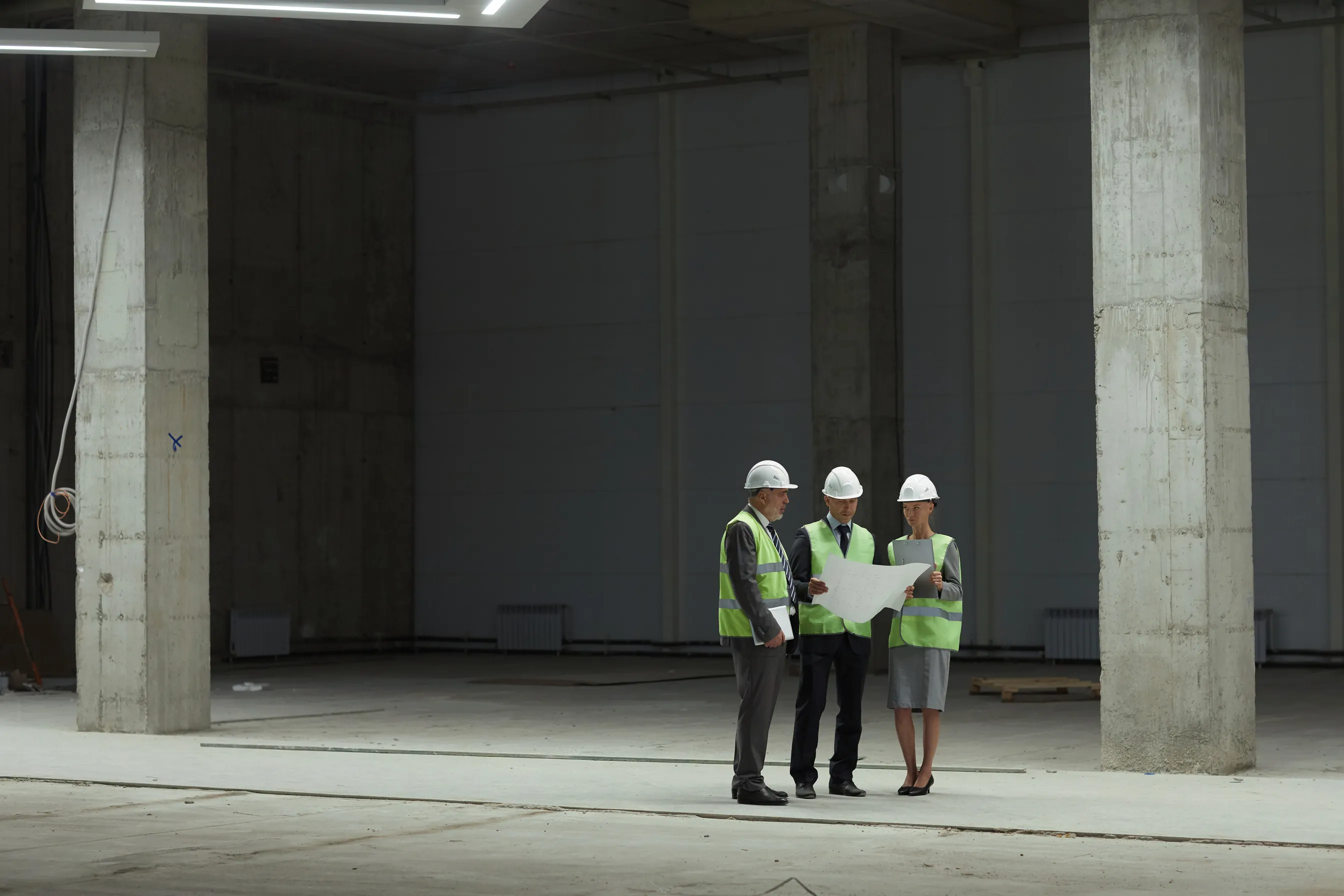
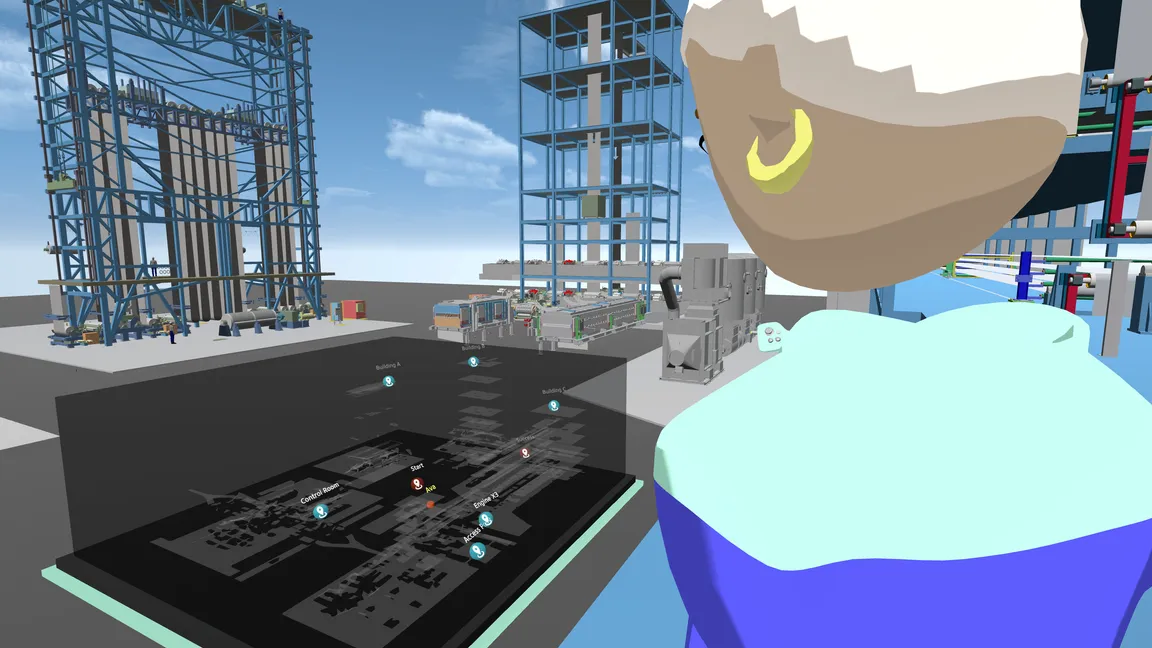
Original images from the whitepaper, pages 3 and 6.
Choose the relevant plant areas and the questions the team needs to review together.
Include project management, engineering and other stakeholders. Discuss routes, access and interfaces in their spatial context.
Feed the findings into your existing planning processes. A virtual walkthrough complements specialist checks and any required site visits.
For your first session: A suitable CAD model, a specific question and the right participants. We personally review the file format, model scope, hardware and access with you.
The conversion engine prepares your CAD data. No CAD upload is required before your first 15-minute demo.
Explore further
The full whitepaper explains remote walkthroughs, spatial reviews and getting started with VR.
WeAre whitepaper · PDF · 9 pages · GermanNo. Teams can meet in the same model from different locations. The Vorwerk example on this page describes this kind of communication across sites.
A suitable CAD model, a specific review question and the relevant participants. Model scope, file format, access and hardware are clarified with WeAre before use.
No. It supports collaborative spatial discussion. Specialist verification, required inspections and formal approvals remain part of the relevant processes.
CAD, desktop and VR: getting started
What could this mean for your project? Let’s explore it in 15 minutes.

15 minutes · personal · no obligation
No CAD upload needed beforehand.