Define the review question
Choose the relevant part of your CAD model and a specific question: Does the assembly fit? Can the maintenance point be reached?
Virtual product development
CAD design reviews with WeAre bring engineering, assembly and project stakeholders together in the same 3D CAD model. Discuss assembly, access and spatial relationships – on desktop and optionally in VR.

SMS group
Head of Product Engineering Steelmaking
Customer story · Engineering
“Thanks to WeAre Rooms, we were able to avoid a serious assembly error that we would have missed without a 3D representation in VR.”
> €80,000in additional costs avoided
3–4 weeksof additional work saved
Facing a similar challenge?In 15 minutes, we can explore whether it is worth a closer look.
Book a 15-minute demo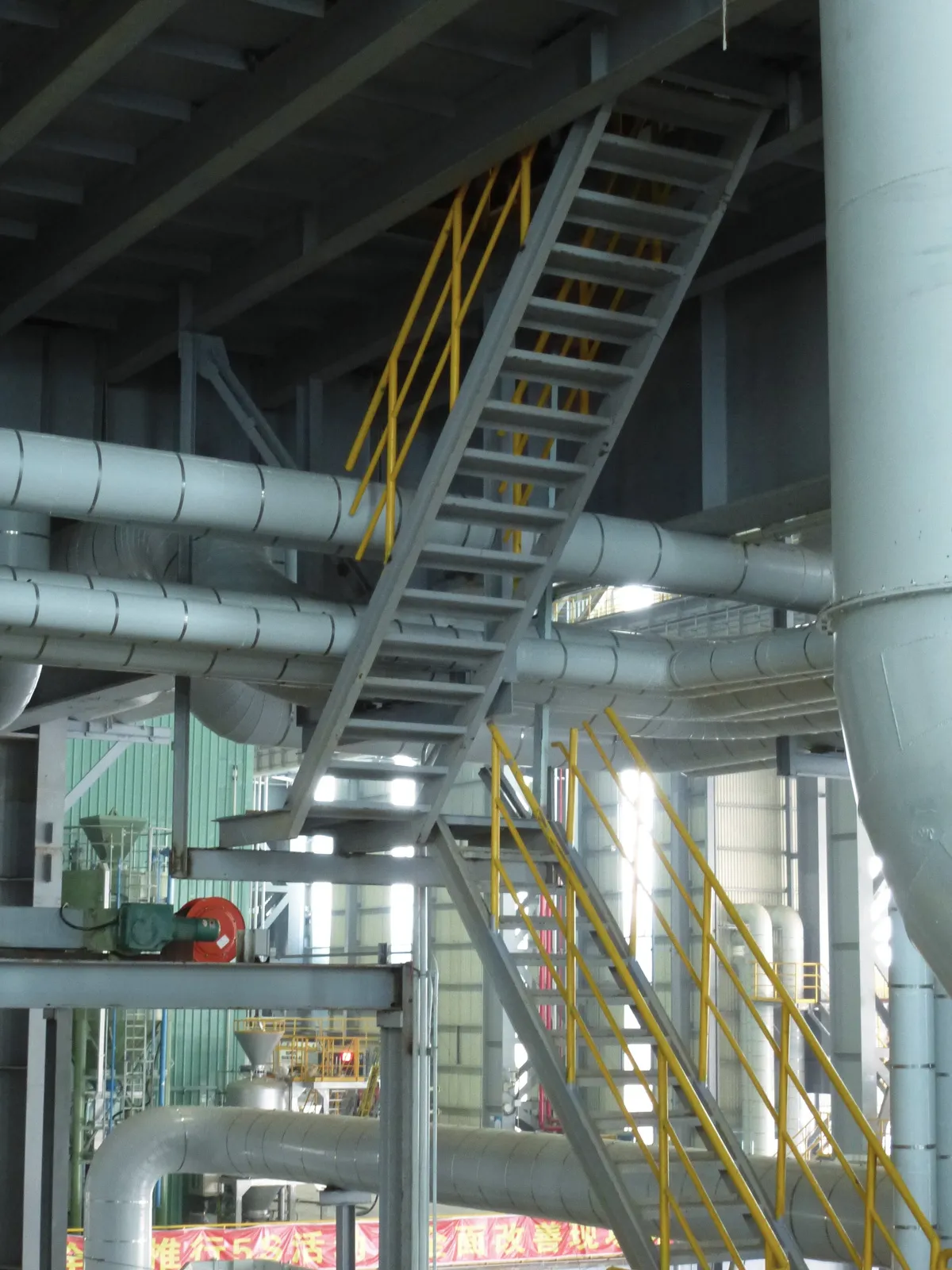
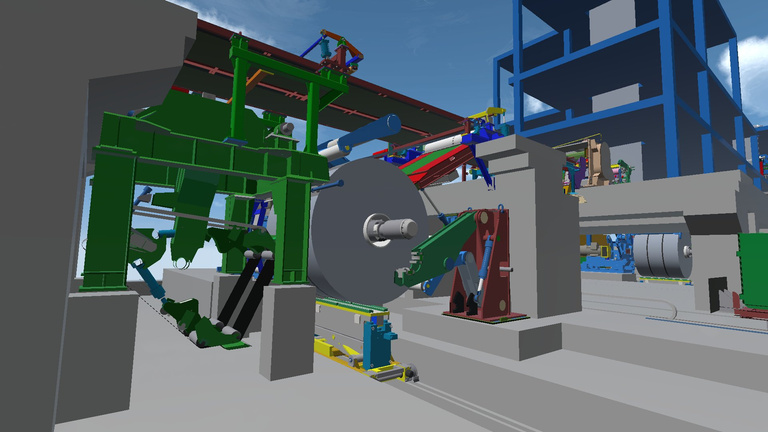
Original images from the whitepaper, pages 3 and 6.
Choose the relevant part of your CAD model and a specific question: Does the assembly fit? Can the maintenance point be reached?
Discuss the model with engineering, assembly and other stakeholders. VR can help participants experience spatial scale.
Use the discussion to inform further design work and your existing review and approval processes.
For your first session: A suitable CAD model, a specific question and the right participants. We personally review the file format, model scope, hardware and access with you.
The conversion engine prepares your CAD data. No CAD upload is required before your first 15-minute demo.
Explore further
The full whitepaper explores common challenges, virtual prototypes and bringing VR into your business.
WeAre whitepaper · PDF · 9 pages · GermanNo. WeAre adds collaborative viewing and discussion of models. You continue to create and modify the design in your CAD system.
The use case described here is a collaborative visual review. It does not promise automatic collision detection or identification of every error.
Jan Buchner describes an assembly error identified in time. The figures of more than €80,000 and three to four weeks apply to that individual customer project, not a general savings guarantee.
CAD, desktop and VR: getting started
What could this mean for your project? Let’s explore it in 15 minutes.

15 minutes · personal · no obligation
No CAD upload needed beforehand.