SALES
Present plants virtually
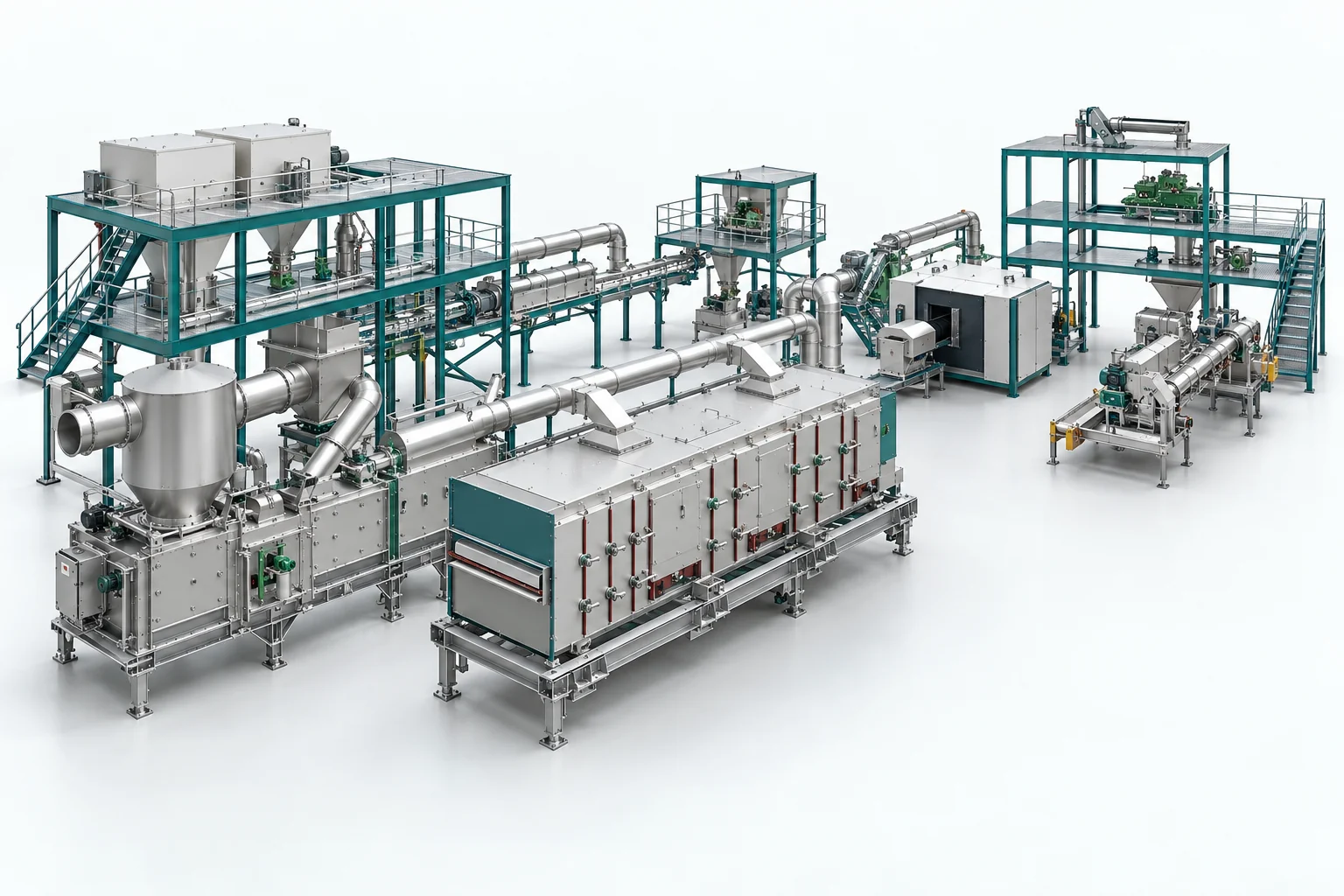
Show customers your machine or plant – before it is built.
Together with our customers.






Present plants virtually
Show customers your machine or plant – before it is built.
Agree on design details
Resolve open questions together, directly in the 3D model.
Train teams in context
Teach maintenance procedures and safety practices using the virtual plant.
See it live. Bring your questions. No obligation.

Head of Product Engineering Steelmaking
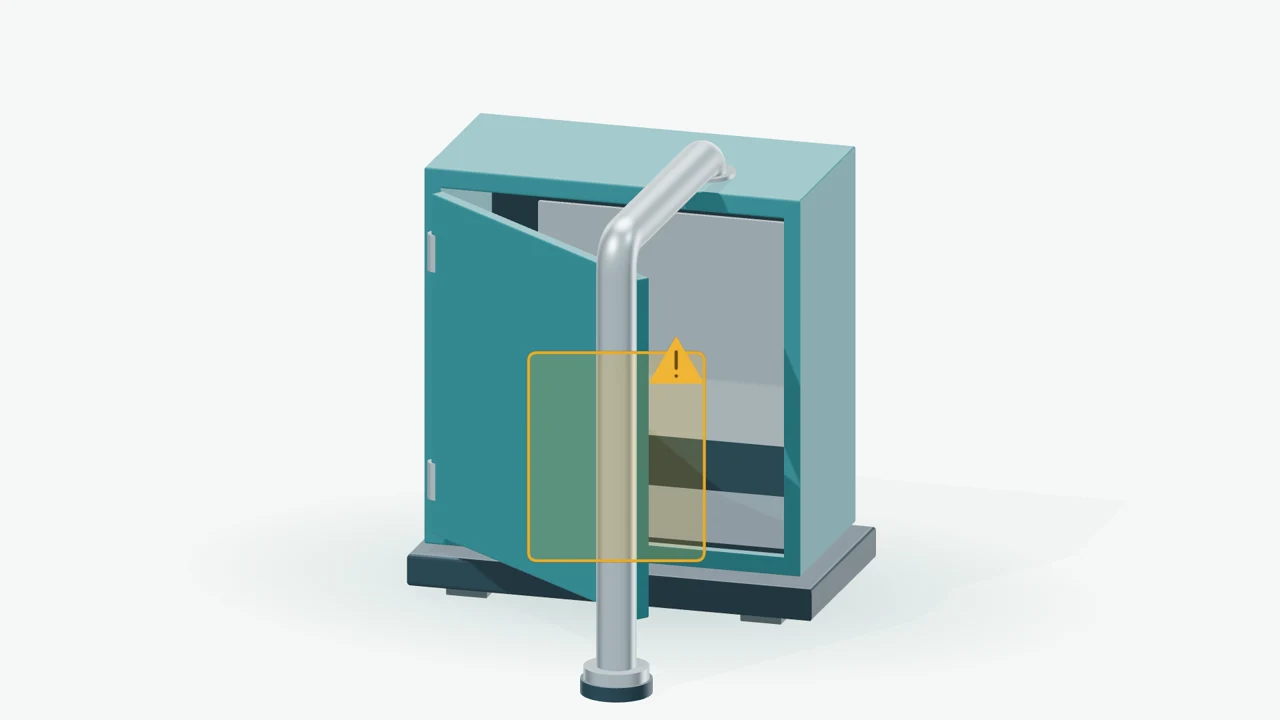
“Thanks to WeAre Rooms, we were able to avoid a serious assembly error that we would have missed without a 3D representation in VR.”
> €80,000additional costs avoided
3–4 weeksadditional work saved
Less explaining. Shared understanding.
Bring your customers and team together around your CAD model.
Without a shared view.
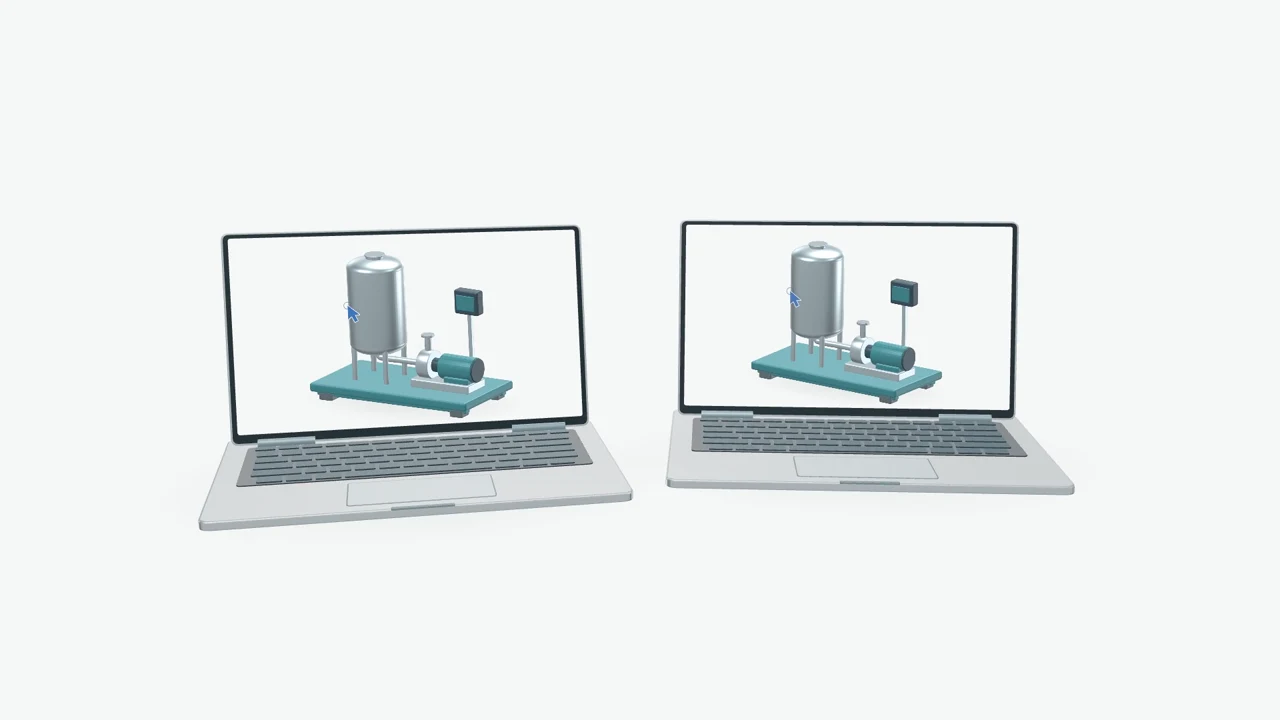
Everyone around the same model.
 Customer + salesProject managementEngineering
One shared view.
Three practical applications.
Present your machine virtually, before it is built. Directly in the CAD model.
Let’s see whether this fits your project.
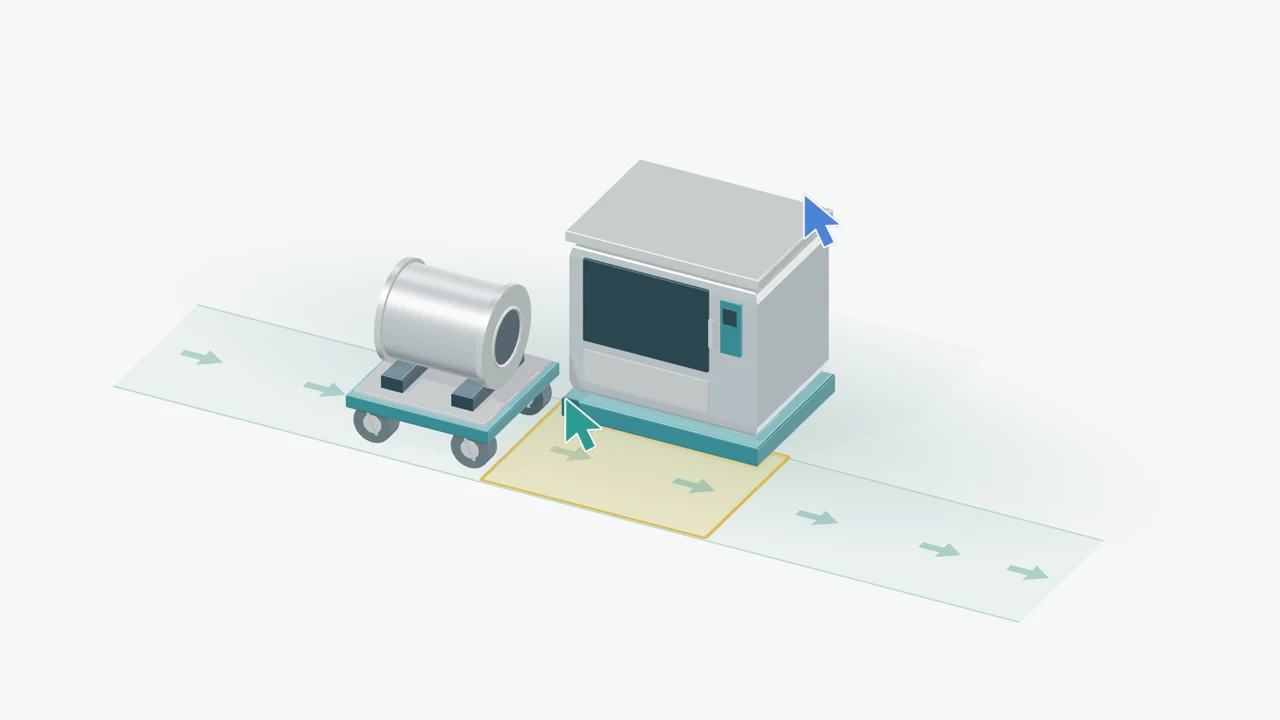
Use virtual plant walkthroughs to review changes with everyone involved in their spatial context.
Let’s see whether this fits your project.
Collaborative design reviews: discuss installation and access using your existing CAD model.
Let’s see whether this fits your project.
Collaborate from your desk. Experience spatial scale in VR when needed.
Our conversion engine prepares your CAD files for WeAre with little upfront work. We provide personal support whenever you need it.
Review access and data processing together before you start.
Onboarding, pilots and everyday questions – supported by our team in Berlin.
No. You can use WeAre on desktop. VR is optional and adds a spatial perspective with compatible hardware.
No. CAD expertise is not required. Your customers can view the prepared 3D model together with you. We will show you how to access it in the demo.
WeAre is used in machinery and plant engineering. We assess model size and level of detail using your data during the pilot.
Our conversion engine prepares CAD files for WeAre. Tell us your CAD system and file format: we will check support and the appropriate level of detail. Personal help is available if needed.
15 minutes with Christian, live in the model. Ask your questions and discuss your use case. No CAD upload or VR headset needed beforehand. No obligation.
Together with your IT team, before you start. We clarify access, data processing and internal requirements, and provide documentation for review.
15 minutes to see WeAre live and discuss your use case. No CAD upload needed beforehand. No obligation.